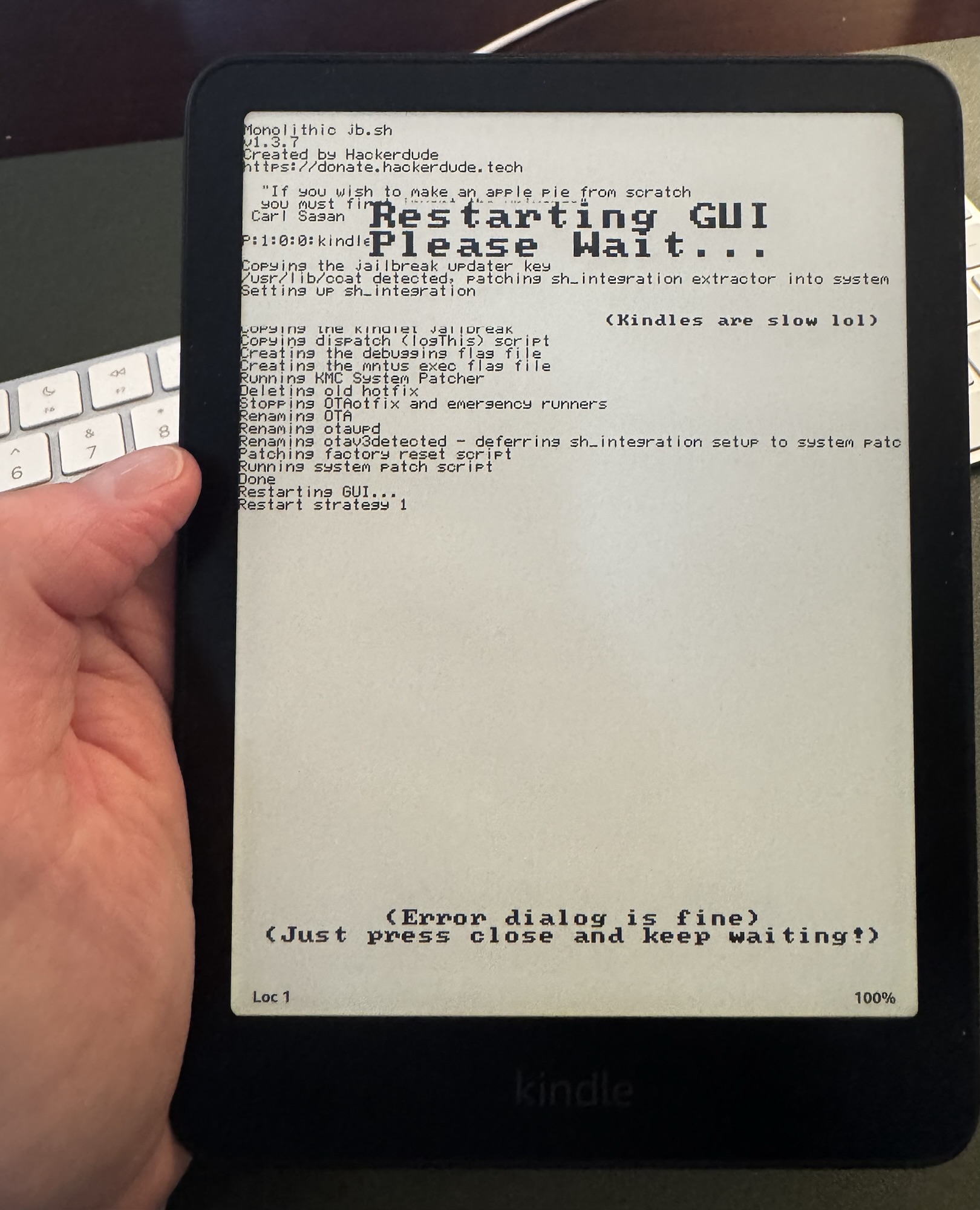
I jailbroke my Kindle today.
I’m not entirely sure what I’m going to do with that yet.
This started because I kept running across references to KOReader, an open-source alternative to the reader software that normally runs on a Kindle. I started reading about it, which naturally led to reading about jailbreaking Kindles, which naturally led to me jailbreaking mine.
For the actual jailbreak, I followed the guide at Kindle Modding. It walks through the currently available jailbreak methods and, more importantly, helps you figure out which method applies to your particular Kindle and firmware version. I’m not going to reproduce all of those instructions here because they can change as Amazon updates Kindle software.

KOReader apparently originally stood for Kindle/Kobo Open Reader, although that name has become increasingly inadequate. According to the project’s website, if they tried to account for everything it supports now, it would be something more like the “Kindle Kobo PocketBook reMarkable Cervantes Sony Android Linux MacOS Open Reader.”
So, KOReader it is.
What interested me initially was just how much more it appears to let you do with an e-reader.
It can work with Calibre, which I already use to manage my ebook library. It supports Dropbox and FTP. There’s a news reader. There are plugins, including ways to pull in articles and use the Kindle more like a read-it-later device.
And then there are all the little reading controls.
You can adjust contrast and font weight. You can change how pages are displayed. There are bookmarks, page markers, highlights and notes. There are gestures that can be assigned to different functions. You can take screenshots.
But then I got to the part that was probably always going to hook me: statistics.
KOReader tracks reading progress and reading statistics. There is data underneath the act of reading.
Everybody who knows me knows that this is how these things tend to go. I get interested in something, and then I want to see the data underneath it.
How much am I reading? How quickly? When am I reading? What did I highlight? What did I make a note about? How far am I through a book?
I don’t even know yet exactly what KOReader tracks, or how useful all of that information will be, but the fact that the information exists immediately makes me curious about it.
The notes may end up being just as interesting. I have increasingly wanted a better way to connect what I read with the things I write and think about later. If I can get highlights, notes, bookmarks and reading data out of the Kindle more easily, that starts making the Kindle feel less like an appliance and more like part of a larger system.
That may actually be what appeals to me most about this whole experiment.
I can de-Amazon my Kindle a little bit.

I like the Kindle hardware. E-ink is wonderful for reading. The battery lasts forever. The Paperwhite is small enough that I can throw it in a bag and forget about it until I need it.
But I don’t particularly need the entire experience of using that hardware to be dictated by Amazon.
Jailbreaking it creates the possibility that the Kindle can become something slightly different: a small, battery-efficient, touch-sensitive e-ink computer that happens to be very good at displaying books.
And once I started thinking about it that way, I immediately started wondering what else I could make it do.
Could an old Kindle become an information display? Could it show data from something else? Could it become a little dashboard sitting on a desk? Could it display articles sent from another system? What plugins exist that I haven’t discovered yet?
I have no idea.
That’s sort of the fun of it.
There is clearly going to be a learning curve here. The first book I read entirely through KOReader may actually be a worse experience than just opening a book in the Kindle software and reading it. I’m going to have to figure out the interface, gestures, settings, syncing, notes and all the other things I have just given myself the ability to tinker with.
But I suspect that after that, I’m going to find several things I won’t want to give up.
For now, I have a jailbroken Kindle, KOReader, and a lot of settings I don’t understand yet.
Which is usually how the interesting projects start.
Leave a Reply